- Add “Insert from URL” step, here in “Specify URL”,
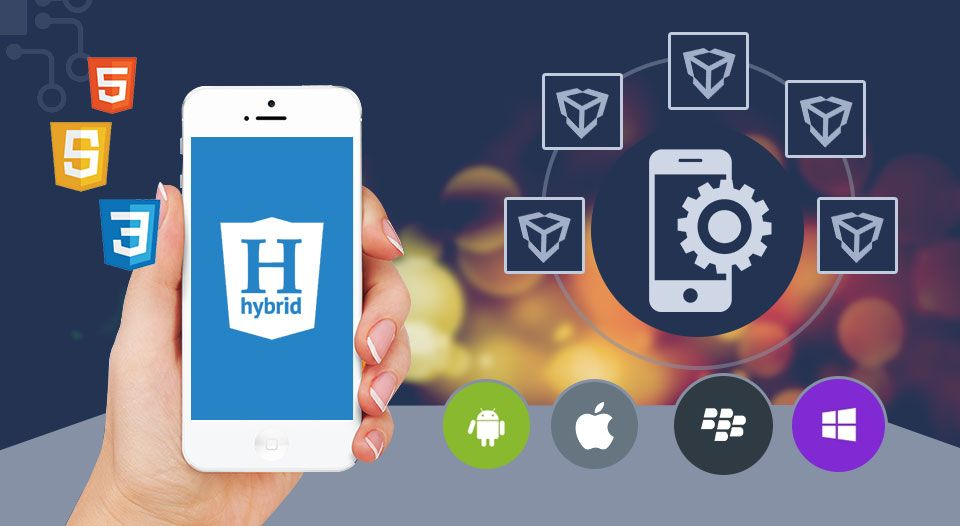
Following will be our hybrid app approach for reference
Mobile App using Angular 14 + Cordova
- Create a new Angular project by using CMD: ng new “Project Name”
- Create a new Cordova Project by cordova create cordovaProject
- Copy cordova project config.xml & www folder and paste into angular project folder.
- This is important changes open package.json in both projects
- Copy below lines in cordova projects and paste into angular package.json
- Change the outputPath value “www” in angular.json
“displayName”: “HelloCordova”,
“description”: “A sample Apache Cordova application that responds to the deviceready event.”,
“version”: “1.0.0”,
“main”: “index.js”,
“keywords”: [
“ecosystem:cordova”
],
“author”: “Apache Cordova Team”,
“license”: “Apache-2.0”,
Above steps will clearly explains about to a project in hybrid app
Using cordova cmd’s to build, run, install plugins, add/remove platform. Design responsive view in angular 14 or angular material Build using cmd: ng build. Then add platform using: cordova platform add android/ios. Finally build mobile app cmd: cordova build android