Justification of Topic:
How to view FileMaker records in Gantt Chart using Google Charts.
Introduction:
Step 1: Format the FileMaker data like below.

- The above example represents the 4 FileMaker records.In these records
Step 2: Insert a web viewer in layout
- First, we have to generate HTML code for the Gantt Chart and store it in the database.
- In that HTML code, we have replaced the formatted FileMaker data under the “data.addRows(“ as per the given image below.

- In the FileMaker database we have created a layout to display the records in Gantt Chart using the web viewer.
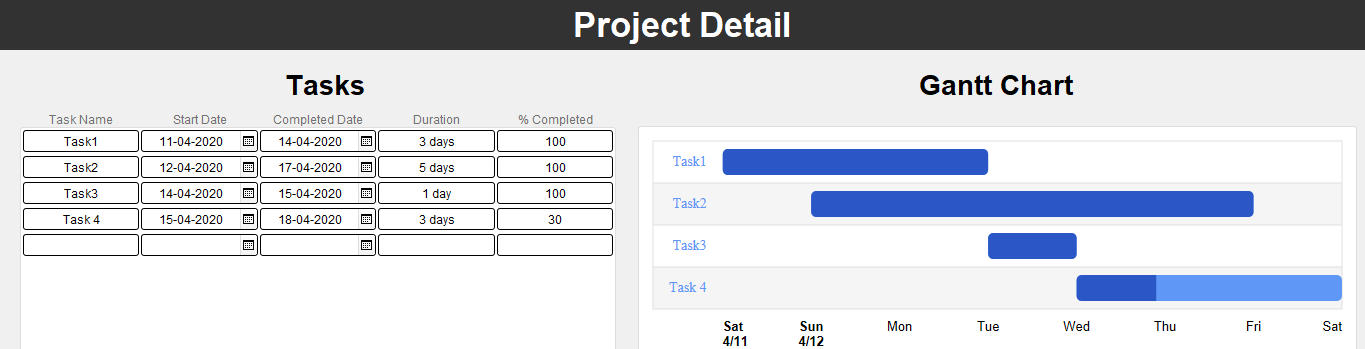
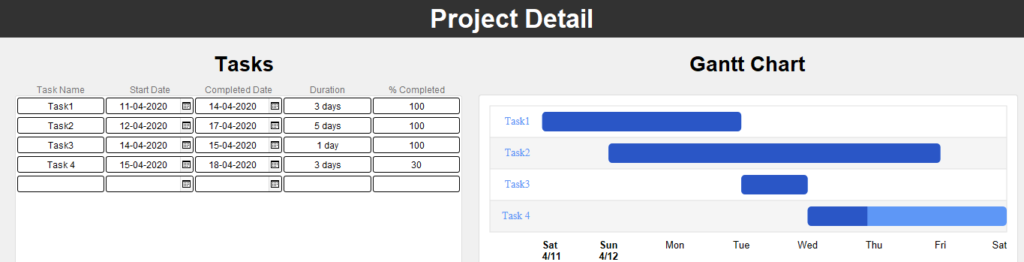
- In the web viewer, we called the HTML code. it will display the records in Gantt Chart as per the given image below.
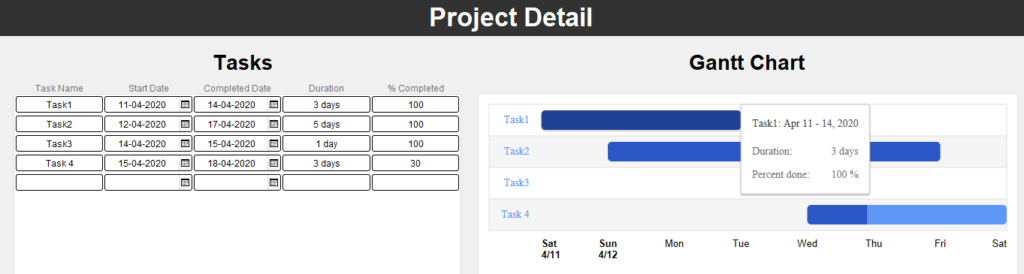
- If we hover over the Gantt chart Bars then it will display the related information like below.
Conclusion:
In conclusion, The team at FMDBSolutions hopes this article explained to you a workaround to View FileMaker Data in Gantt Chart using Google Charts. FMDBSolutions is a team of well-qualified experts that have a lot of experience with the many versions of FileMaker Pro and the FileMaker Go app too.
Our team knows all about transitioning, migrating, converting, and upgrading for FileMaker. Companies that require FileMaker Integration can also use our services. Naethra Technologies Pvt Ltd have worked with clients from the USA, Australia, and Singapore and will complete your FileMaker assignment in the best possible way at a lower price but at the same or higher level of excellence.
Comprehensive Full Stack Development Outsourcing
Mastering Web, Mobile Native, and Cross-Platform Applications