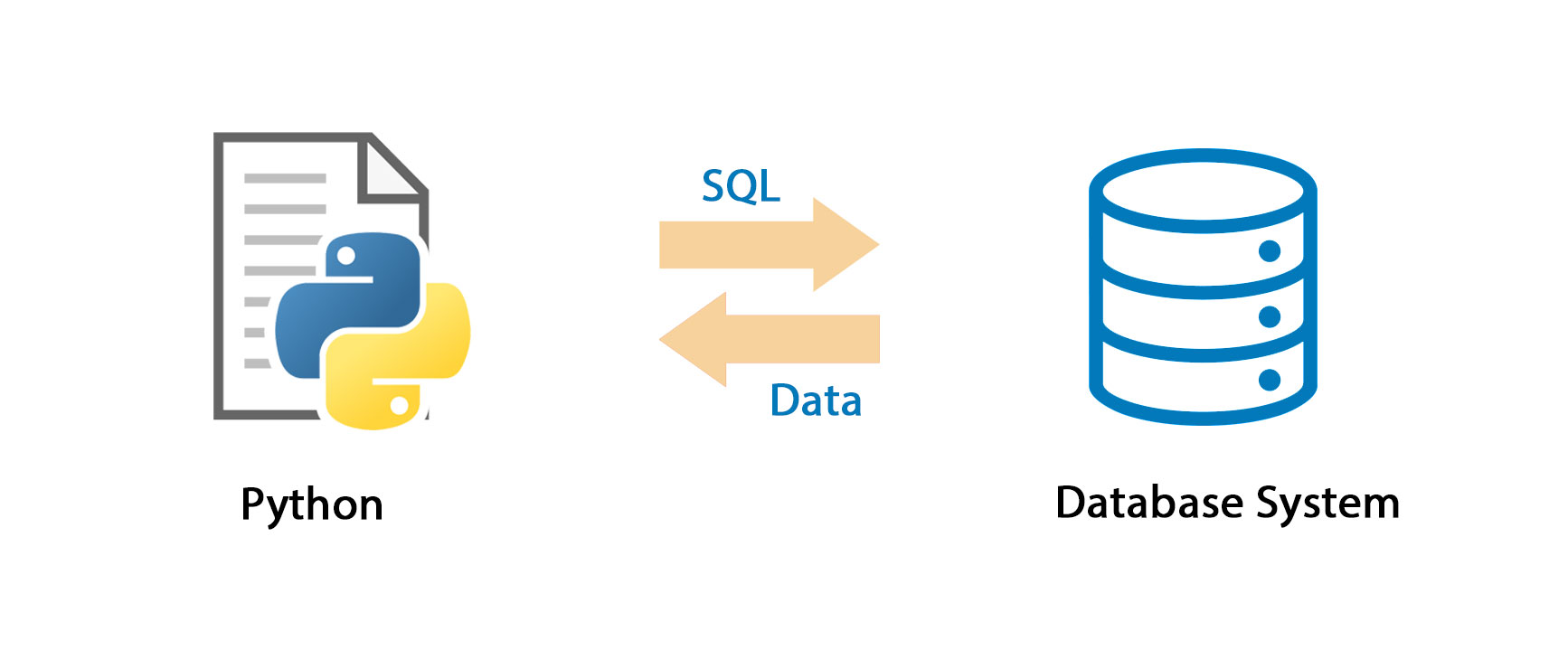
Python is not only easy to use — but it’s also easy to learn. These two factors have led to this language becoming the go-to language for beginners learning software development, making it an ideal choice for Full Stack Development Outsourcing. Furthermore, its versatility as a general-purpose programming language makes it suitable for the needs of many industries.
Over the years, Python has grown in popularity and functionality, resulting in its flexibility of use. The ability to quickly make and test changes to the programming code for software makes it an easy task that can be handled on the fly if needed.
Python is not only easy to use — but it’s also easy to learn. These two factors have led to this language becoming the go-to language for beginners learning software development. Furthermore, its versatility as a general-purpose programming language makes it suitable for the needs of many industries.
MySQL database Connect in Python
Connecting to a MySQL database with Python can be confusing. There are several different connection drivers, and not all of them play nicely with different operating systems. On top of that, enabling SSL can be a challenge. If you need help from a Flutter App Development Company, consider reaching out to Naethra Technologies.
This article covers four methods you can use to connect your Python application to MySQL. These examples will use PlanetScale, a serverless database platform for MySQL, but the actual database you connect to is arbitrary.
The following connection methods will be covered:
- mysqlclient
- mysql-connector-python
- pyMysql
- aiomysql
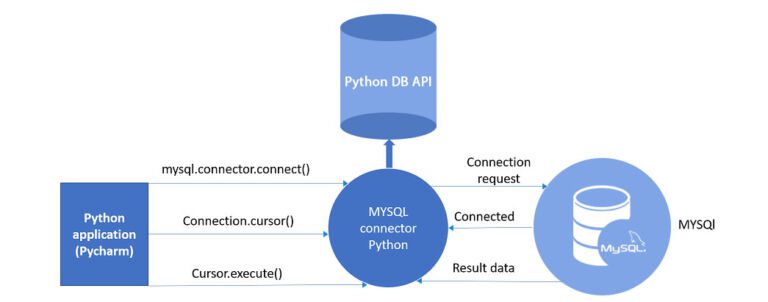
Connect to MySQL with the MySQL connector
The MySQL Connector/Python module is the official Oracle-supported driver to connect MySQL through Python. The connector is entirely Python, while mysqlclient is written in C. It’s also self-contained, meaning it doesn’t require the MySQL client library or any Python modules outside the standard library.
Note that MySQL Connector/Python doesn’t support the old MySQL server authentication methods, which means that MySQL versions before 4.1 don’t work.
Start by installing the mysql-connector-python module. It’s recommended to install it using pip:
Terminal
pip install mysql-connector-python
Connect to MySQL with PyMySQL
The PyMySQL package is another connector you can use to connect Python to MySQL. It’s a good option if you’re looking for speed, as it’s faster than mysql-connector-python.
You can instal it using pip with:
Terminal
pip install PyMySQLConnect to MySQL with aiomysql
The aiomysql library is used for accessing a MySQL database from the asyncio framework. Apart from being asynchronous, the connection code is similar to PyMySQL. Note that using aiomysql requires Python 3.7+ and PyMySQL.
To use aiomysql, install the asynchronous module first with: Terminal
pip install asyncio Then, install aiomysql using:
Terminal
pip install aiomysql
Comprehensive Full Stack Development Outsourcing
Mastering Web, Mobile Native, and Cross-Platform Applications